
AoO: Several updates to the game demo
24.9.2026
Greetings admirals,
We have improved the game demo, check the changelogs below.
Link to the demo on Steam and on Google drive are still active. The demo will be playable on till 12.10.2026.


The Gamefound campaign is still in progress:

Changelog
0.1.3 (18.9.2026)
-Added a new light mode - light is coming from a single nerby star / sun.
The previous multi-source light mode can be re-activated from the game settings.
-We also exposed several light energy multipliers and SSR (screen space reflections), SSAO (screen space ambient occlusion), SSIL (screen space indirect lightning) and SDFGI (signed distance field global ilumination) into the settings. These are rather demanding settings, but you can experiment with them.
0.1.4 (20.9.2026)
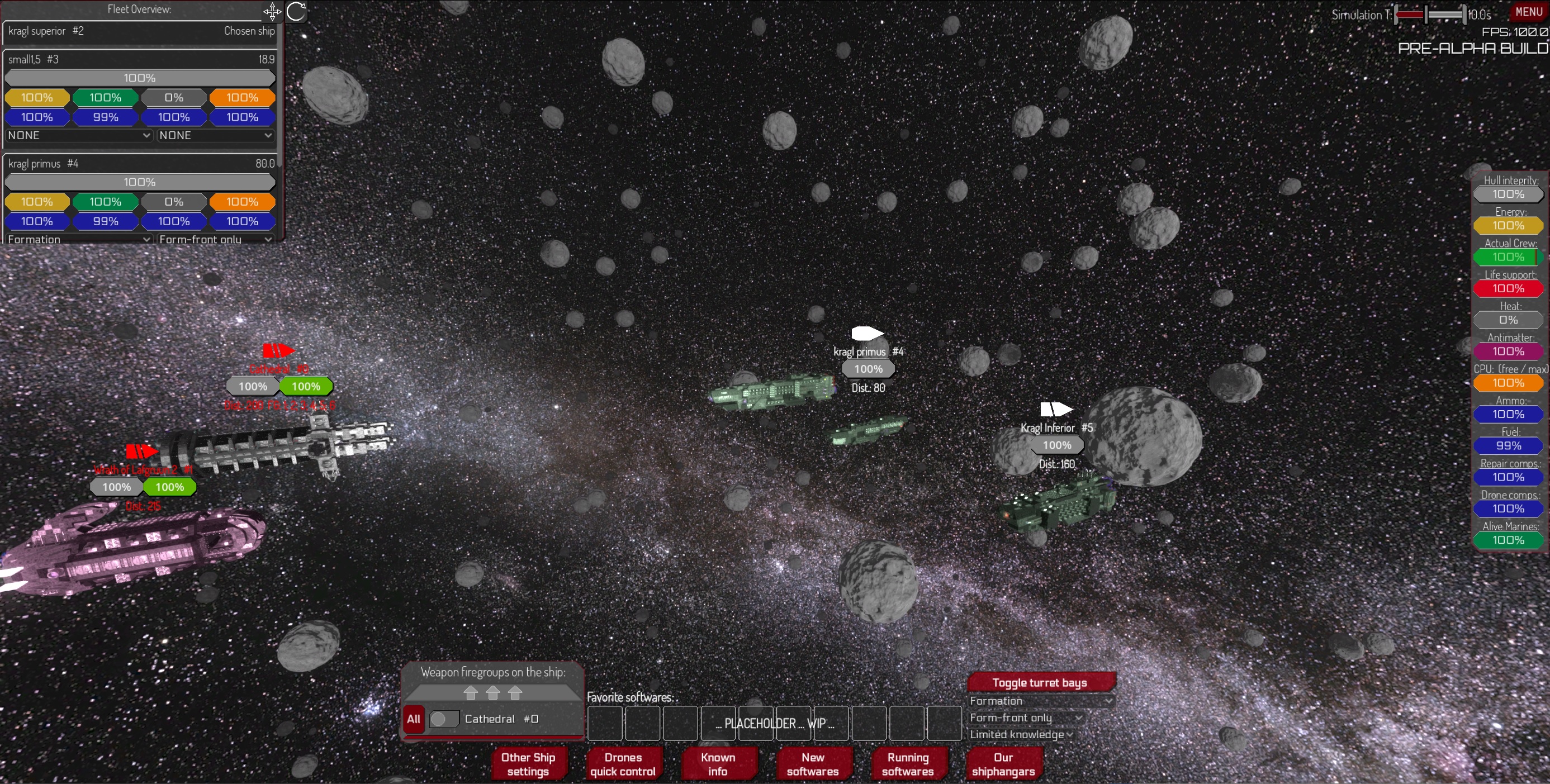
-Repositioned and cleaned up the GUI in combat and in fleet-builder and in lobby. Now the main interactible elements are in the middle.
-That includes the ship integrity and shield durability sliders, which have been moved from the top edge to the right edge. If you prefer the top edge position (like in a FPS game), you can turn that on in the game settings.
-The Turn time slider has been reverted - now left means slower, right faster.
-Added GUI scaling option. On first (ever) launch, the game should automatically auto-detect optimal GUI scale. Otherwise, you will find it in the game settings.
-Switched from MODE_FULLSCREEN to MODE_EXCLUSIVE_FULLSCREEN. This removes the one pixel gray edge around the program border. And its still multi-tasking friendly (unlike the exclusive fullscreen mode from years ago). But report to us, if you encounter problems.
-Fixed drones which have reached a friendly target quickly oscillating their orientation back and forth - making it look like they are in a quantum state. Optimalized drones orientation update frequency.
-After manually setting target to a firegroup, the automatic target selector will turn off - no longer changing the target you have chosen.
0.1.5 (22.9.2026)
-Added warnings about problems in rendering on some devices and alternative launch options (see below)
-Fixed wrong saving of several game settings
-Further improved the GUI - the Firegroups list is now collapsable
-Fixed rare crash on application exit and fixed one leaked texture (mouse cursor)
-Added Music and sounds volume sliders in battle (inside the menu)
-Sound effects are now not created whent the volume is set to the minimum
0.1.6 (24.9.2026)
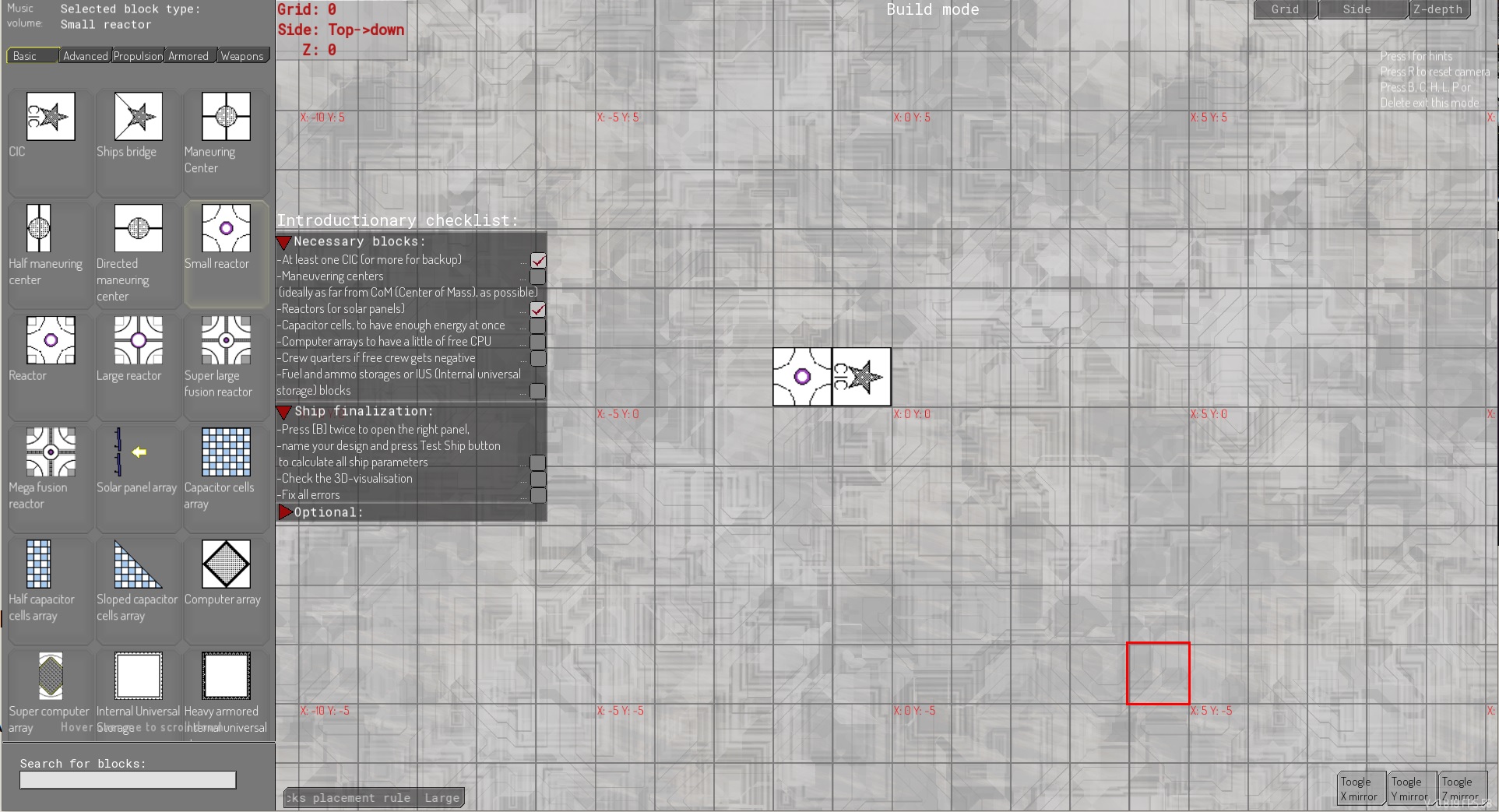
-Added Introductionary checklist to ShipDesigner
-Build mode in SD is now the default mode if Beginner mode (new setting) is True
-Added to SD quick hints on startup, similar to the hints in AoO.exe
-Added Fleet too big warning in fleet builder
-Fixed interceptor drones providing their CM to wrong ship
-Updated quick tutorial texts
-Asteroid field and enemy aggresivity and formation settings are now persistent on Create battle scene restart
0.1.6c (2.10.2026), changes only in the ShipDesigner
-Added preliminary net energy production and net CPU counters (visible only in build mode). They update after every block placed.
-Added an adjacent level silhuette - in a similar way like the other grid blocks are visualized, we now show blocks from the same grid, but adjacent level (z-coordinate). Settings are in the lower left corner (next to the Big block plancement rule). You can either disable this feature (default), or show blocks from the level above (relative to viewed side), or from the level below, or from both levels.
-F11 in the shipdesigner now toggles fullscreen during runtime.
-Reorganized block descriptions and stats. Now benefits of the block are on the top, requirments lower.
-Z mirror level now shows as colorized rectangular border around the build area.
-Fixed several other minor inconsistencies.
-That is presumably last update of this demo period.
A technical problem
With the help of two our players, we have discovered few issues in the rendering pipeline.
Players with a 50-series nVidia GPUs were experiencing a severe rendering corruption when using the Vulcan API (which is default):
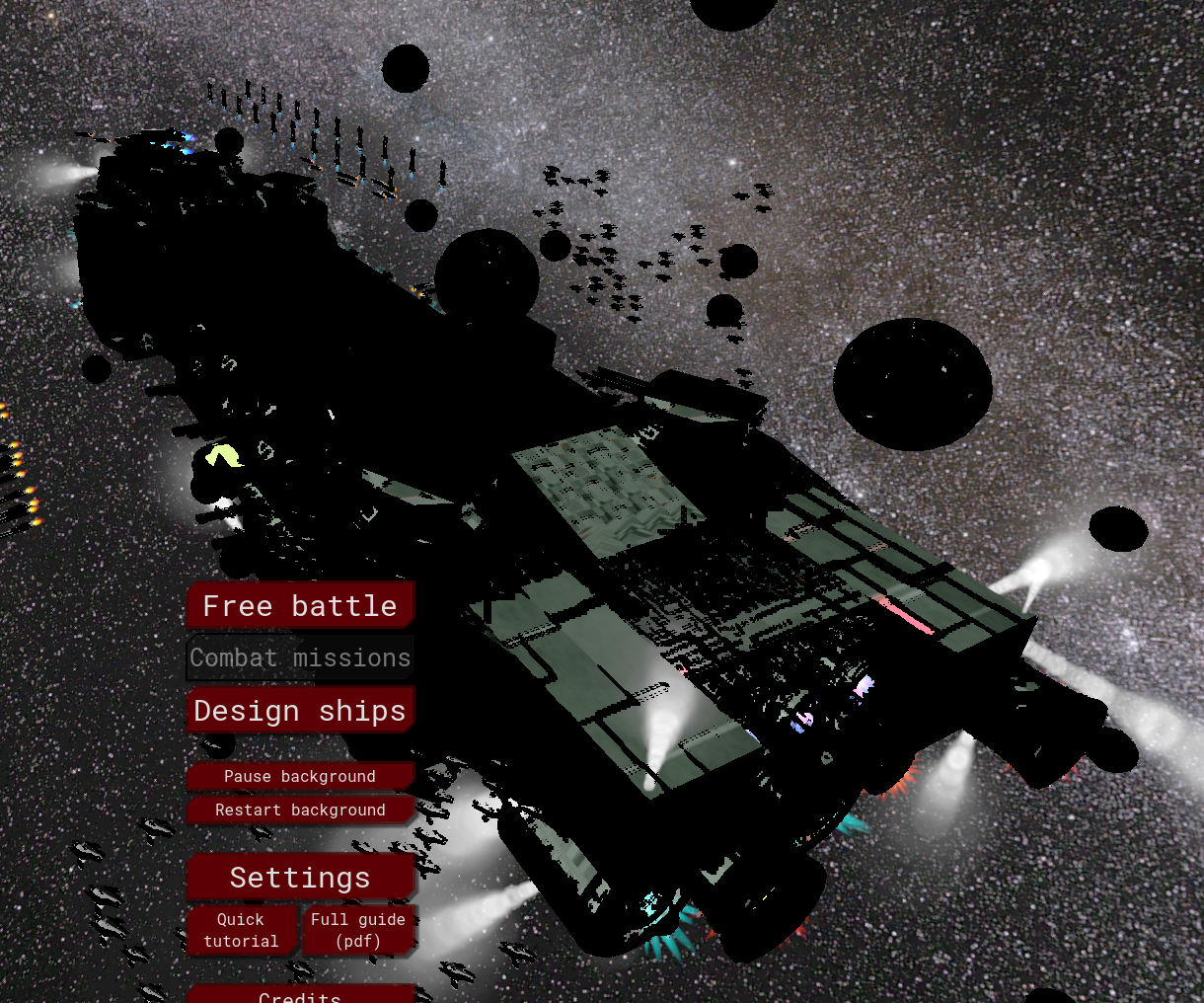
One possible fix is to use the "AoO force Direct3D.bat" inside the Game folder, which will launch the AoO.exe but force using Direct3D.
-This solution is not flawless, becasue of unrelated bug in the Godot-Direct3D the game might crash after some time with a "CreateDescriptorHeap failed" error. We will have to update the engine version in order to bypass that issue.
Another possible fix is to use the "AoO Compatibilty.exe" inside the Game folder, which will launch the the game compiled using OpenGL.
-This solution is also not flawless, because all the material colors and lightnings were designed for Vulcan or Direct3D and look differently on OpenGL.